

Omnisphere users who have licenses for Keyscape and/or Trilian can use the sounds from Keyscape and Trilian within Omnisphere.
There are many advantages to using Keyscape and Trilian within Omnisphere such as more sonic capabilities, exclusive libraries, advanced live performance features, and more.
When authorizing Keyscape and Trilian within Omnisphere, the process is similar to authorizing Omnisphere.
1. After fully installing Keyscape or Trilian, open Omnisphere in your sequencer/ host or as a standalone app. Next, click the AUTHORIZE button.
You will now see the Omnisphere Authorization System window:
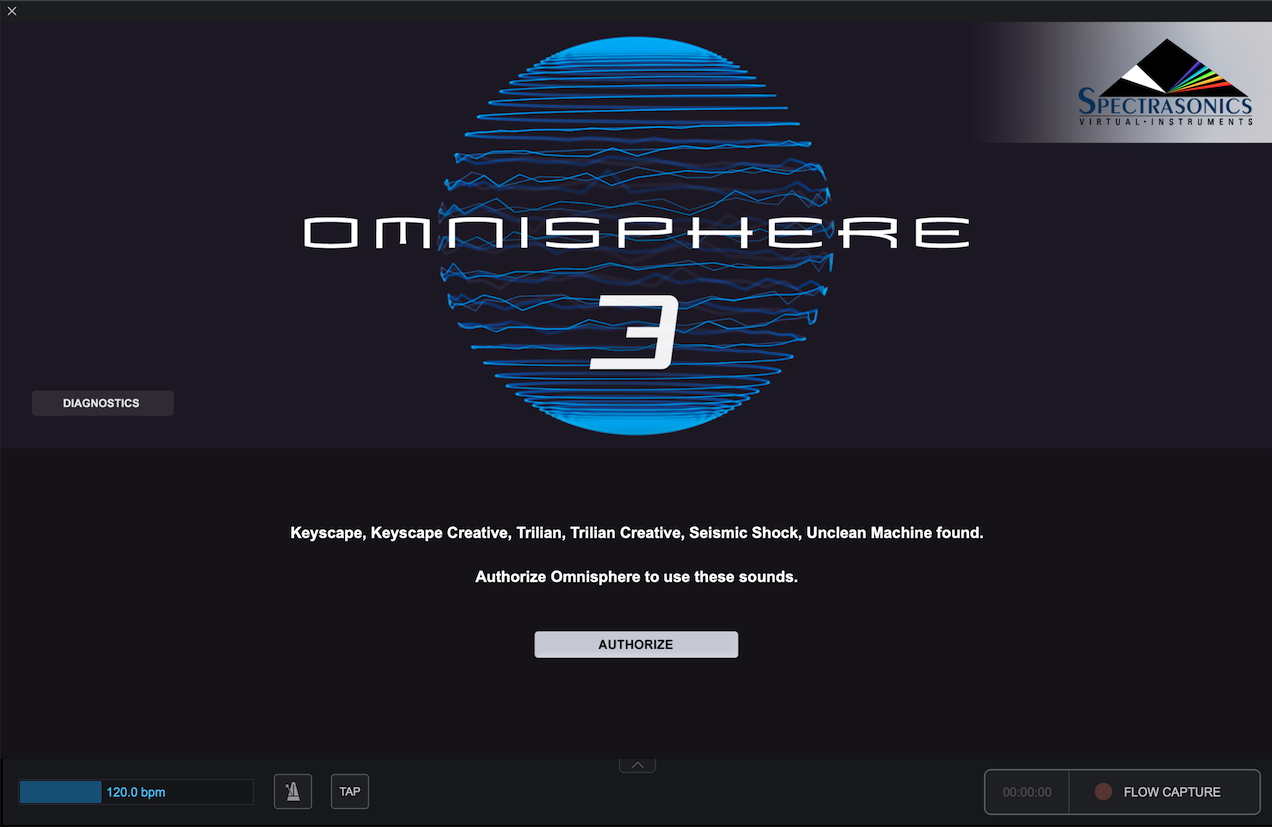
2. Click the REQUEST AUTHORIZATION button to launch the authorization webpage.
.png)
3. In the webpage that loads, you should see your Challenge Code already filled in. Fill out the remaining information on this page. When finished, click “Submit” at the bottom of the page.

4. On the next page, you'll receive a Response Code. Click the blue Copy button.
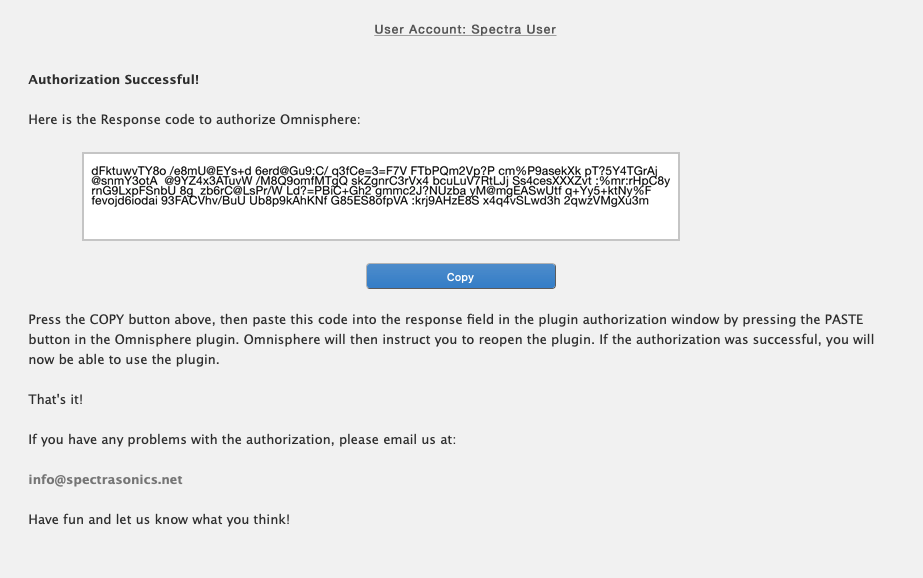
5. Return to your instrument. Click the PASTE button and the Response Code will now be displayed in your instrument.
.png)
6. Click the CONTINUE button in the bottom right, and you will be asked to restart Omnisphere.

7. Close the standalone application, or completely remove the instrument(s) from the tracks in your DAW. You can also simply restart your DAW.
8. Open a new instance of Omnisphere into your DAW or restart the Standalone. Your satellite libraries (Trilian or Keyscape) will now be authorized and fully functional within Omnisphere.
If your music computer is not connected to the Internet, please go to this article for instructions on Offline Authorization.