

Follow the steps below to open your instrument in Logic Pro.
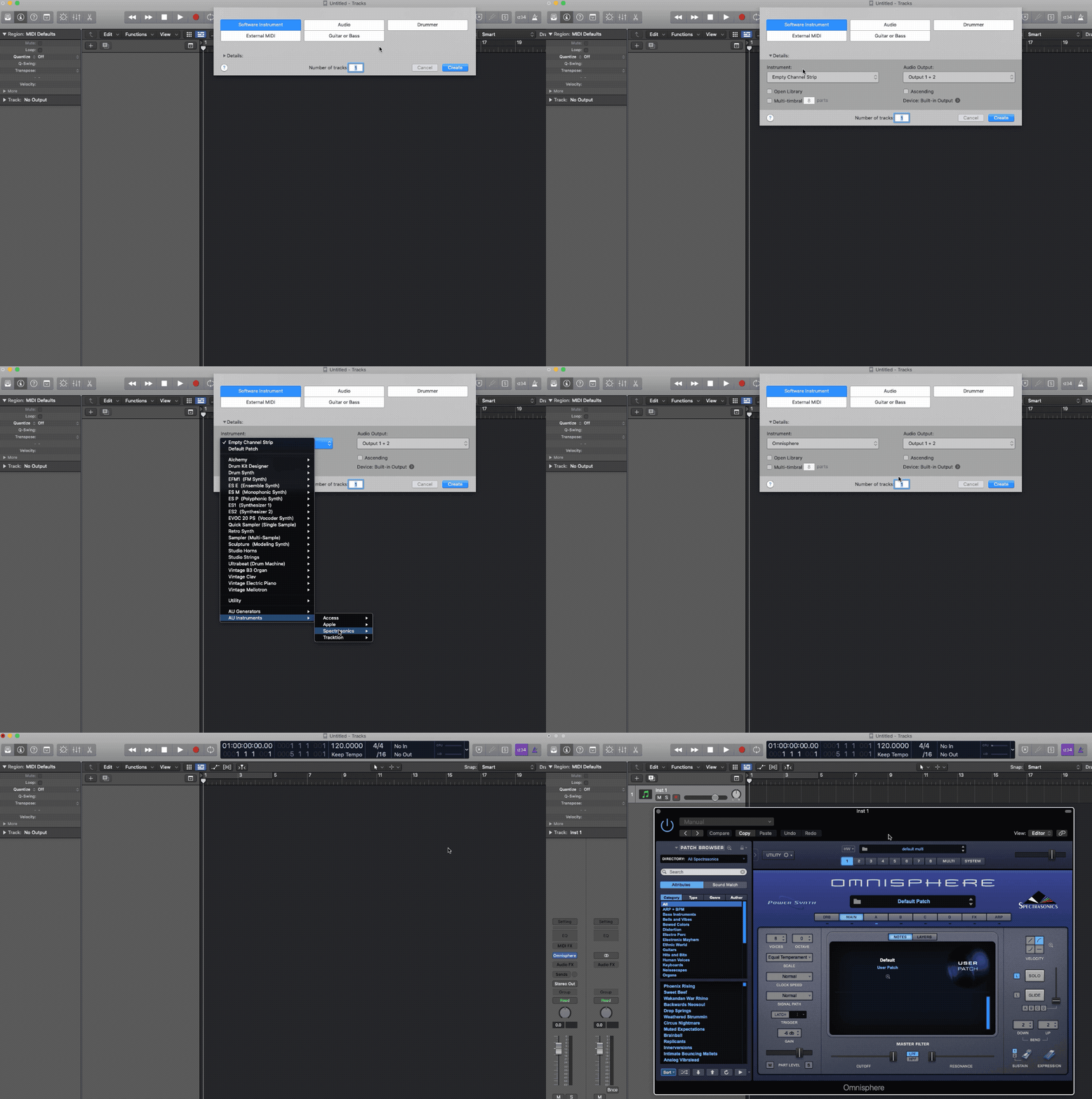
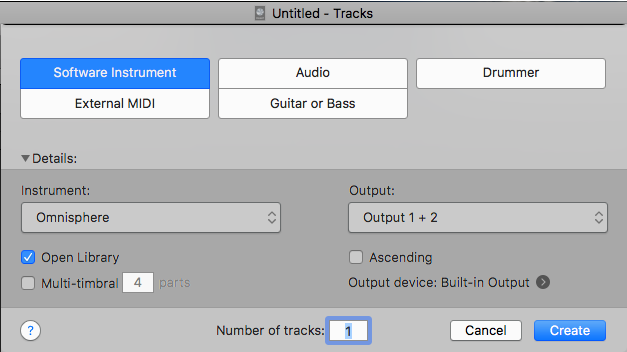
1. In your Logic X project, create a new track (Option-Command-N) or clicking the Plus Sign ( + ) in the top left corner. Then select the "Software Instrument" button. You can choose the instrument you would like to load here in the “Instrument:” menu, or choose the instrument after you create the track.
2. If you didn’t pick your instrument when you created the track, in Logic's Inspector, select the "Instrument" button.

3. From the menu, select: AU Instruments/Spectrasonics/Your Instrument/Stereo/

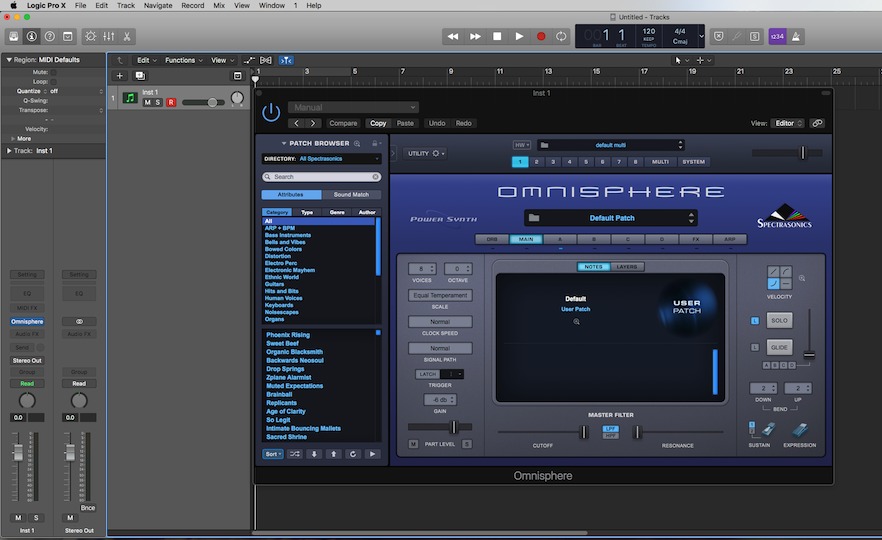
4. This will assign your Spectrasonics instrument to the newly-created instrument track. The instrument's interface will also appear.
Here are some downloadable templates which you can use in Logic X:
Logic X Omnisphere Template - Stereo
Logic X Trilian Template - Stereo